


Business process management and automation
We provide consulting and AI automation solutions for SMEs
We help companies and professionals analyse, organise and automate internal processes, connecting the tools they already use or introducing new solutions fitted to each need. The aim is to save time, reduce errors, improve follow-up and have more control of the business.

Digitisation, automation and improvement of internal processes for companies, the self-employed and administrative teams.
Save time and resources by automating your processes.
Many businesses lose hours every week on manual work that could be automated: copying data from one place to another, sending repetitive emails, checking statuses, raising alerts, updating spreadsheets or tracking work without a clear tool. These tasks take a lot of time and reduce what people can spend on higher-value work.
The aim is simple: fewer worries, more control and a more efficient use of resources.

We connect the tools your business already uses so they work together, we automate real processes, and we reduce errors and time lost on repetitive work
Our service
What can we automate?
We have many years of experience in process automation. We have now added the new artificial-intelligence tools so that our service is more efficient and the tools we offer are more robust and suited to current needs:
- Lead capture from the website and creation in the CRM.
- Automatic sending of emails, alerts and internal tasks.
- Tracking of quotes, purchases, expenses or incidents.
- Control of documents, deadlines and approvals.
- Report generation and synchronisation between platforms.
- Connection to external APIs and to local or cloud databases.
Our client
Who can we help?
Digitisation, automation and improvement of
internal processes
- Small and medium-sized companies with repetitive tasks.
- Self-employed professionals and service companies that want to reduce manual work.
- Technical offices, installers, maintenance firms and industrial companies.
- Administrative, sales or customer-service departments.
- Businesses that work with a CRM, an ERP, invoicing, forms or spreadsheets.
What we work with
The tools we use
n8n
A flexible tool for building automations between applications, APIs, databases and cloud services. Ideal for connecting systems and creating bespoke workflows without developing a complete application from scratch.
AuraQuantic
A platform for managing business processes, with forms, flows, statuses, owners, approvals and traceability
Other tools
CRM, ERP, corporate websites, forms, databases, email, Google Workspace, Microsoft 365, Holded, WordPress, internal applications and third-party APIs.
Our method
How we work
We analyse the process
We review how the work is done today: who is involved, which tools are used, which data moves and where the problems appear.
We identify opportunities
We identify repetitive tasks, bottlenecks and points where errors can be reduced or time can be saved.
We propose a solution
We define a clear workflow, with the right tools and a proposal in proportion to the size and needs of the business.
We implement and test
We configure workflows, connections, forms, notifications and rules. Then we run real tests with practical cases.
We document and train
We explain how it works so the company can use the system with confidence.
We follow up and improve
The process can grow with the company: adjustments, extensions and maintenance as the business evolves.
This service is for you if...
Do you have a process that wastes too much of your time?
Tell us how you work today and which tasks you want to improve.
We will look at the process and propose an automation that fits your business.
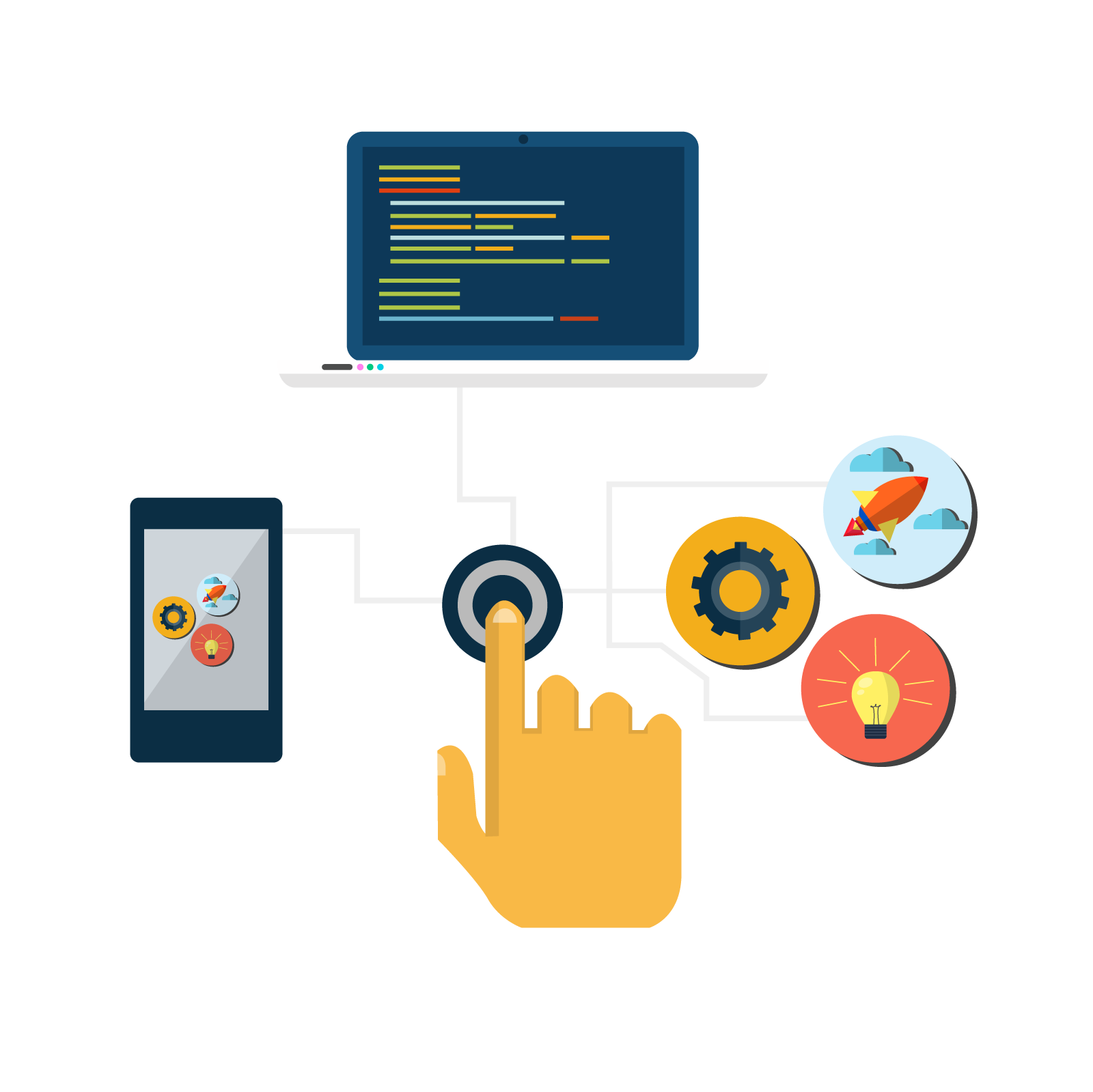
Make your business tasks move in a more orderly, faster and controlled way.
Automate, monitor and control processes with a high standard of quality
With tools such as n8n or AuraQuantic we can build a solution for each case, from a simple automation between two applications to a full management flow with forms, approvals, notifications and tracking.

Budget and purchase approvals
A review and approval flow with owners, statuses, notifications and a record of every action.
Administrative automation
Reminders for due dates, sending documents, data updates, reports and internal notices.
Automation of sales leads
When a customer submits a web form, a CRM record is created automatically, a reply is emailed, the sales team is notified and a follow-up task is created.

Incident management
A circuit so that incidents come in through a form, are assigned to an owner, change status and generate automatic alerts.
Connection between applications
Integration between the website, CRM, ERP, invoicing, email and databases so the same information does not have to be entered more than once.
Remote control and monitoring
Monitoring from a phone or computer of energy use, temperatures, humidity, device status, batteries, solar panels or critical equipment.
FAQ
Questions? We will answer them
What is business process automation?
It means turning manual or repetitive tasks into controlled digital workflows: alerts, tasks, approvals, data updates, sending emails or connecting applications.
How do you decide what to automate first?
Priority goes to processes with high volume, repetition, frequent errors, lost time or a lack of control. It is best to automate first whatever brings a faster return.
What is the difference between n8n and AuraQuantic?
n8n is very flexible for connecting applications and automating technical workflows. AuraQuantic is more oriented towards structured processes, with forms, statuses, owners, approvals and traceability.
Can you work with local data and cloud services?
Yes, but security, permissions, connections, availability and maintenance all have to be considered. The design must take into account where the data sits and who can access it.
Does the CRM or ERP the company already uses have to be replaced?
Not necessarily. The existing system can often be connected to other tools, and the parts that create the most manual work can be automated.
What happens if an automation fails?
Logs, alerts and review mechanisms need to be planned. A well-designed automation must not be a black box: it should leave a trace of what it has done.
Can administrative tasks be automated?
Yes. For example, creating customers, deadline alerts, tracking quotes, classifying requests, generating reports or internal notifications.
Can you start with a small project?
Yes. A good option is to start with one specific process, confirm that it works and then extend it to other areas of the company.
Is a custom application necessary?
Not always. Many processes can be handled with automation and integration tools. Where needed, that can be combined with specific development.
Is this kind of project suitable for small companies?
Yes. Small companies in particular often gain a great deal by reducing repetitive tasks, duplicated data and dependence on Excel or email.